Vrbo: upload a video, then pass a human review
In the Vrbo dashboard the path is Property › Edit property › Video, then Add video or drag the file in. Vrbo says uploaded videos “go through a human approval process to ensure the video meets our guidelines”, that it is “still rolling out the video upload feature” and that uploads “may not be visible immediately”. Once approved, the video is displayed on the listing. Virtual tours, by contrast, “are no longer supported on the Vrbo platform”.
| Rule | What Vrbo says |
|---|---|
| Length | “Videos should preferably be under 60 seconds, with a maximum length of 2 minutes. The minimum video length is 15 seconds.” |
| Format | “Acceptable formats include mp4 or mov, with a preference for mp4.” |
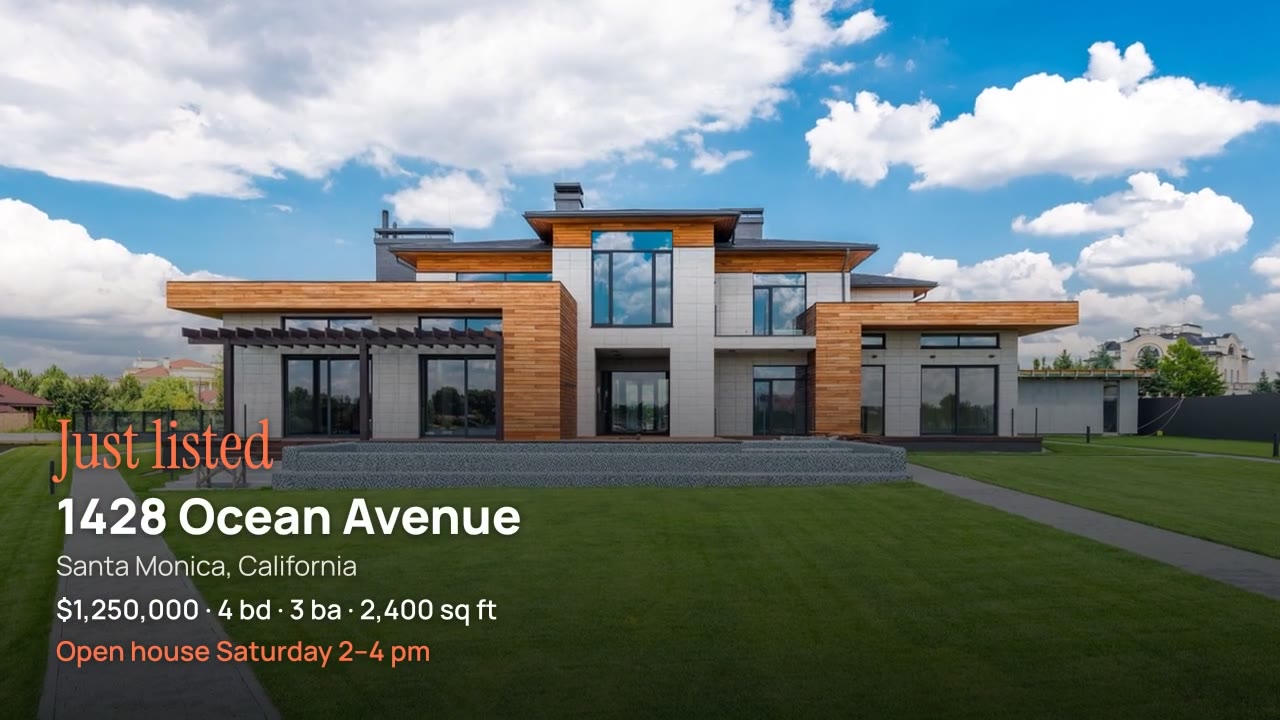
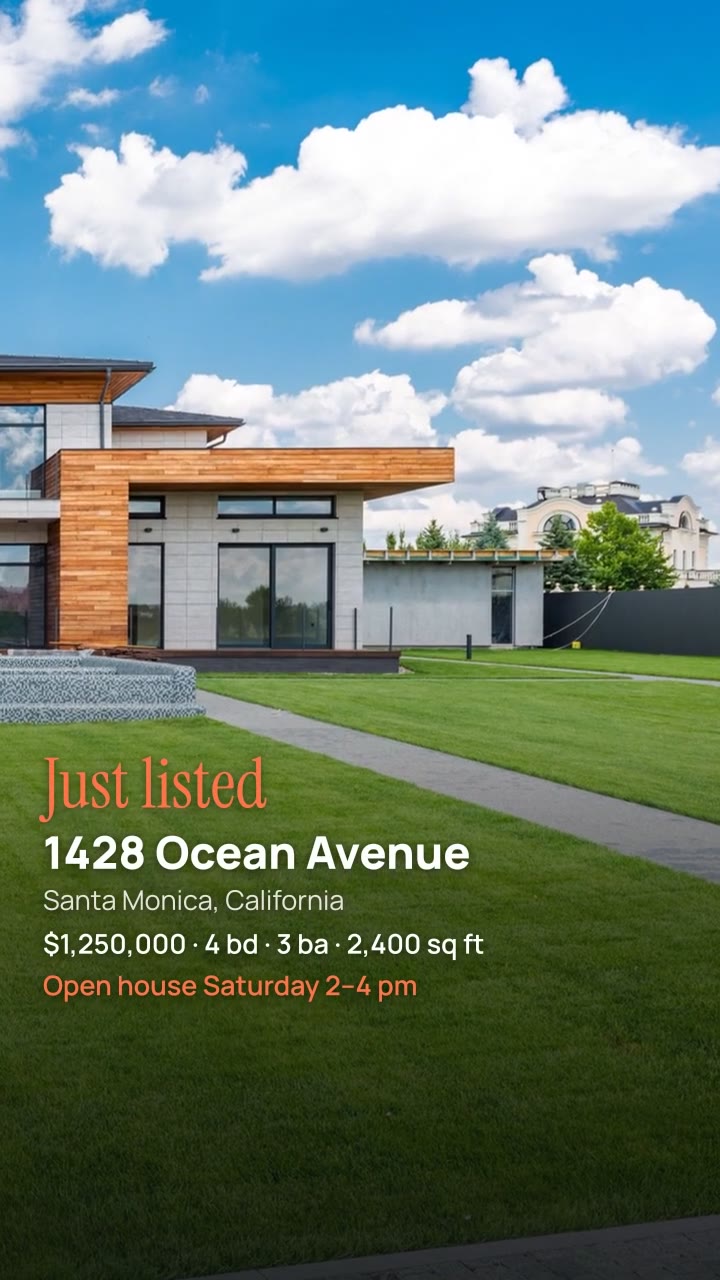
| Shape and size | “Accepted aspect ratios are 9:16 and 16:9. Minimum video resolutions are 1080*1920 (9:16) or 1920*1080 (16:9).” Portrait is preferred; 4K is compressed and cropped. |
| Stills | “Videos cannot be a series of still images in a slideshow or montage.” |
| Look | No “overlays, borders, or artistic effects”, nothing black and white or sepia, nothing too dark or too light. |
| Sound | Only audio you hold the rights to. “Clear audio voiceover and captions in English can be included.” “No other sound effects are allowed; any other added music may be removed and the entire video may be rejected or removed.” |
| Subject | “The primary focus of the video should be on the property”; up to 20% can show nearby attractions or experiences. |
Two of these rules decide how you make the video. The slideshow rule means a sequence of photos with slow zooms is likely to be refused, so the clips need real motion. The sound rule means the safest upload is silent or carries your own voiceover.
Making a Vrbo-ready video in Airift
- Animate the rooms with an AI engine, not a pan. Kling 2.6 Pro, Hailuo 2.3 and Seedance 1.0 Pro generate new frames with parallax, so the camera genuinely moves through the room. Use Image to Video on four to eight photos; six five-second clips make a 30-second video. Airift Motion moves the camera across a still, which is closer to the slideshow Vrbo rules out, so keep it for social posts.
- Review every clip against the property. Engines can invent details. Vrbo's guidelines sit under its Partner Provided Content Policy, and every portal expects the video to show the property as it is.
- Build the video with the overlays off. In the listing editor turn off Title over the first scene, Room captions and Closing card, so the render is clips and transitions only. Keep a second project with them on for Instagram.
- Set music to No music, or upload a voiceover you recorded as the track. Vrbo allows a clear English voiceover and captions in the picture; it does not allow added music.
- Export 9:16 at 1080p. Vrbo's minimum is 1080 × 1920, so render on a paid plan; the free plan's 720p render is below it. The export is an MP4. Keep it between 15 and 60 seconds.
- Keep the property on screen. Skip AI-generated scenery of the area for this upload. It is illustrative rather than the actual neighbourhood, and it counts against the 20% allowance for attractions.
- Upload, then wait for the review. Approval is by a person, and the feature is still rolling out.
Airbnb: photos on the listing, video in the inbox
Airbnb's hosting resources describe photos and a photo tour, not video: “Use photos that are at least 1200 pixels by 800 pixels”, and “Airbnb's AI-powered photo tour instantly organises your photos by room” (a resource updated 20 October 2026). We found no listing video feature in the Help Centre.
The one place video appears is messaging: “Photos and videos can only be sent after a reservation is confirmed”, and “you can share photos and videos up to 60 seconds in length in messages with your host or guests.” That suits a welcome video, with the entrance, the lockbox and the parking spot, rather than a sales video.
Hosts in Airbnb's community forums report that external video links in the listing description are blocked. That is user experience rather than published policy; the safe reading is that the description is for text.
Where the video does the selling
If the booking platform will not show the video, put it where guests look before they book: your Instagram and TikTok, your Google Business Profile and your direct-booking site. Airift renders the vertical reel and the 16:9 cut for your website from one edit; the reels guide walks through the vertical version. The For rent template starts the project with availability on the title card.
The vacation rental page has the whole workflow for a short-term rental: upload the photos, add area B-roll for social, export a vertical reel, post and pin it.
Free account, no card. 1080p exports need a paid plan.