The AI age filter
Live nowAI Aging Filter: See Yourself Older
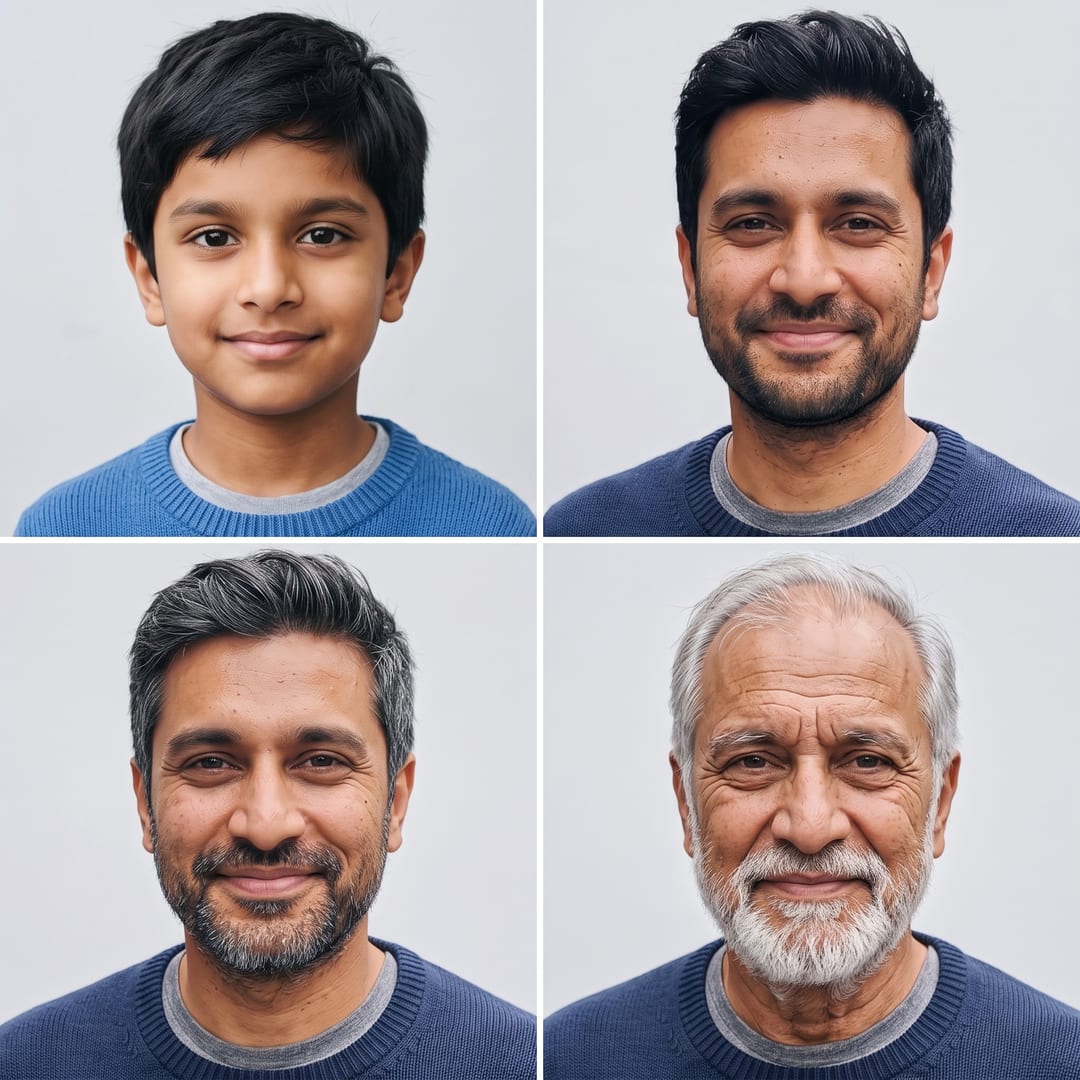
One photo in. You at 8, now, 55 and 80.
Upload one photo and get one picture of you at four ages: a child of about eight, as you are now, at 55 and at 80. Lines, grey hair and a softer jaw arrive the way they would, and it stays clearly you in every square.
- A free preview first
- One photo of one person
- One square picture, 2K: four ages
- $0.60 a photo
First a free preview, smaller and marked, then you decide.
$6 buys 10 photos, or anything else on Airift. Pay once, no subscription.
One square picture, 2K: four ages · a failed render returns its credits · your photo stays private
Only upload yourself, or an adult who agreed to it. Every photo is AI-generated.
Want the video instead? AI Aging Video: Watch Yourself Grow Old
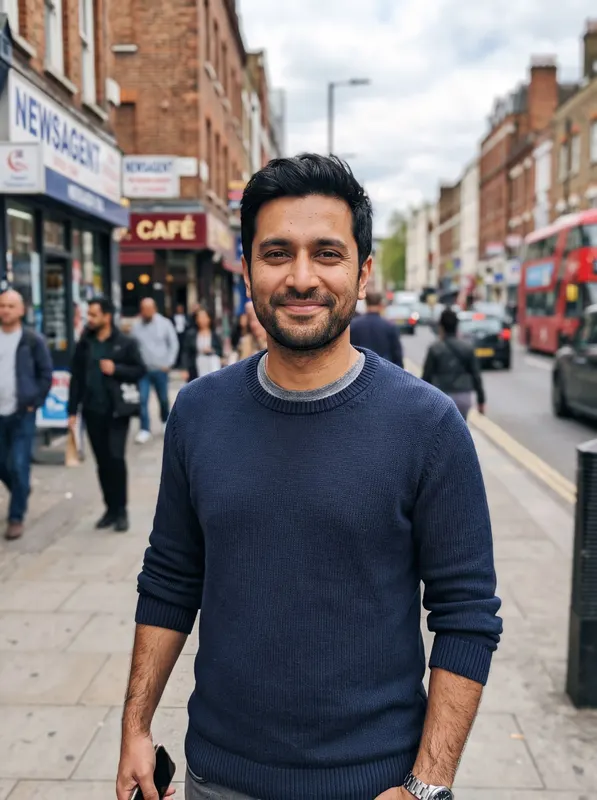 From this photo
Age Progression AI photo example: before and after
One render: the photo that went in and the picture that came out, unretouched and shown smaller than the 2K file.
The photo that went in The Age Progression photo
Made with this effect from an AI-generated portrait. Yours uses your own photo.
How to make a Age Progression AI photo
- 1
Add your photo
One photo of one person. A clear face does the work; the template does the rest.
- 2
Generate
The model draws one new picture from your photo with the effect's tested instruction. One photo in. You at 8, now, 55 and 80.
- 3
Download
One square picture, 2K: four ages. It lands in your Airift library; a failed render returns its credits.
What people make a Age Progression AI photo for
A birthday post
Four ages of the same face in one square.
A family resemblance check
Put your older self next to a parent's photo.
A talking point for a reunion
Everyone's four ages in one album.
Photos that work best
One person
A single face in the frame. Group photos confuse the model about who is in the picture.
Facing the camera
Eyes and face clear, with no sunglasses, hat or mask in the way.
Good light, upper body
Daylight or a bright room, from the waist up, so the outfit carries over too.
Consent first
Yourself, or an adult who agreed to it. No minors, and no one who has not said yes.
What the Age Progression AI template includes
Four ages in one picture
A child of about eight, you now, you at 55 and you at 80, side by side in a 2 by 2 grid.
It stays you
Your face, your eyes and your skin tone carry through every age; only time changes.
Ageing that looks real
Lines, grey and thinning hair, a white beard where you have one, the way faces really age.
Ready to share
One square 2K picture, sized for a post or a story.
What a Age Progression AI photo costs
One photo uses 10 credits. Pay once for a pack. Credits are one wallet for every Airift tool, and a failed render returns its credits.
10 Age Progression photos
$6
- 100 credits, $0.60 a photo
- Or 3 Hug videos, 20 photo edits or 11 Kling 2.5 Turbo clips from any photo: one wallet for every Airift tool
- Pay once; credits never expire
- No Airift mark on your photos
20 Age Progression photos
$12
- 200 credits, $0.60 a photo
- Or 6 Hug videos, 40 photo edits or 22 Kling 2.5 Turbo clips from any photo: one wallet for every Airift tool
- Pay once; credits never expire
- What is left over waits for the next trend
A bigger pack: $32 for 60 photos, $78 for 150 photos. Posting every week? The Starter plan is $15 a month for 300 credits (30 Age Progression photos). Secure checkout by Stripe. All plans and packs
Make my Age Progression photoAI Age Progression: questions, answered
Is the AI Age Progression generator free?
No. One photo uses 10 credits; 100 credits cost $6 and make 10 photos. A new account gets one free preview photo of you in the scene first, marked and smaller than a paid result. A failed render returns its credits.
What is an AI aging filter?
A model that redraws your face older or younger while keeping it yours. This one makes four ages in one picture from a single photo.
Can it make me younger too?
Yes: the top-left square is you as a child of about eight.
Which photos work best?
One person facing the camera in good light, face and shoulders clear. Skip sunglasses, hats and group photos.
How long does it take?
Usually under a minute. The picture lands in your Airift library, ready to download.
Is it accurate?
It is an AI impression, not a prediction. Real ageing depends on genes, sun and life; this shows one plausible version.
Render times, whose photos you may upload and how credits work: the help centre
More effects
All effects →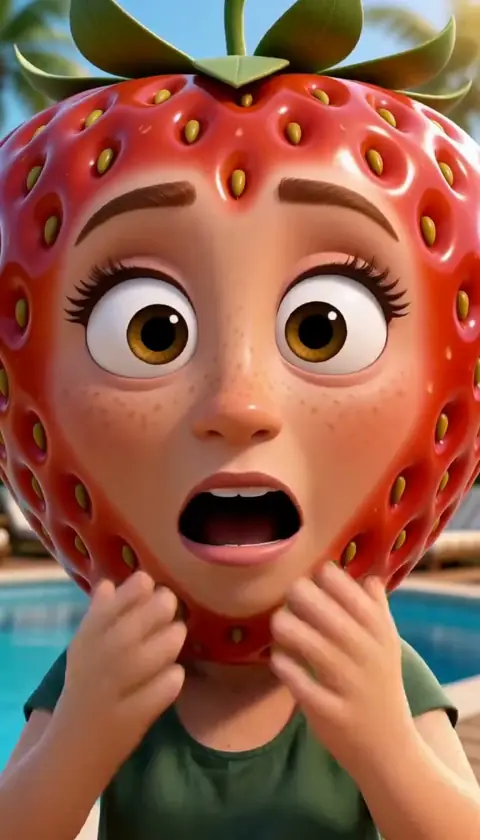 30 crSee the effectAI Fruit VideoOne photo in. You as a strawberry, gasping by the pool.
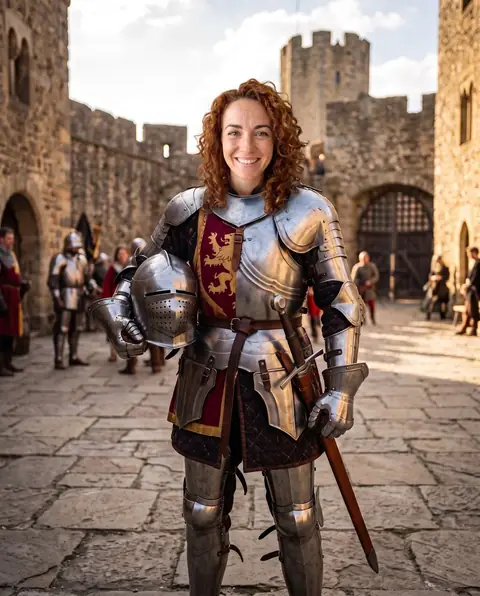 10 crSee the effectAI Head SwapTwo photos in. The whole head swapped, hair and all.
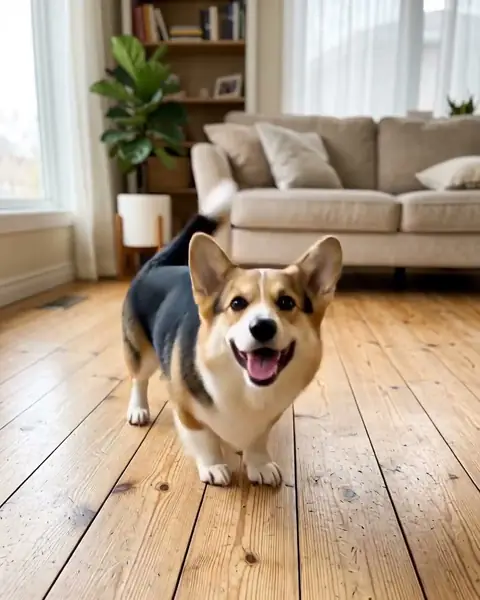 30 crSee the effectAI Dog DanceOne dog photo in. A dancing dog out.
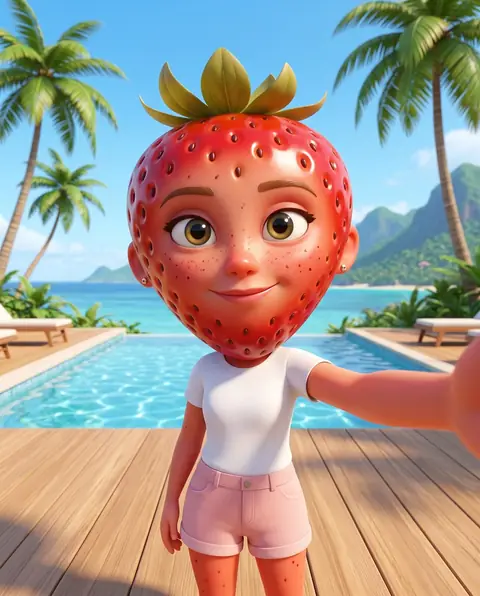 10 crSee the effectAI Fruit CharacterOne photo in. You as a strawberry star.
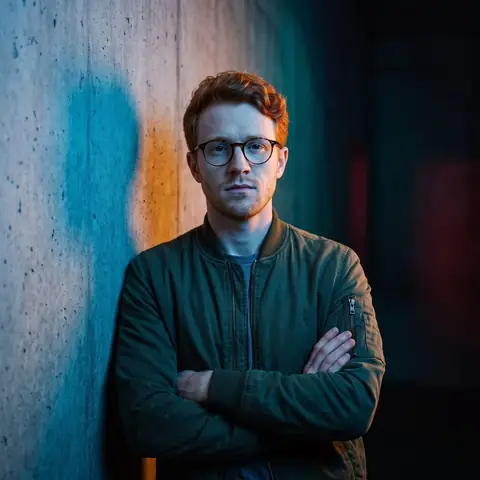 10 crSee the effectAI Album CoverOne photo in. Your album cover out.
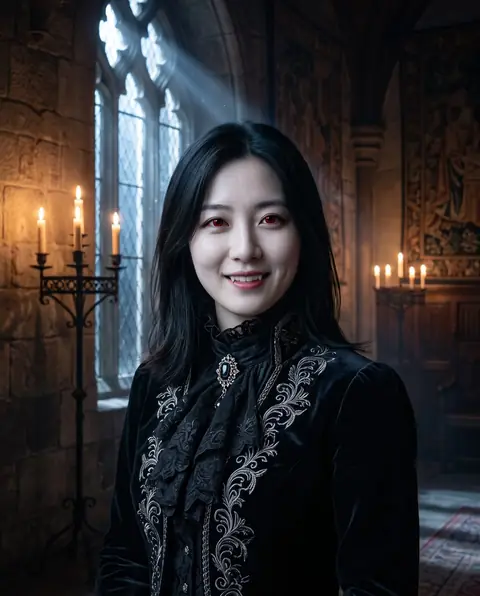 10 crSee the effectAI VampireOne photo in. You, centuries old.
- AI Muscle
- AI Action Figure
- AI Anime
- AI Outfit
- AI Photoshoot
- AI Saree
- AI Aging
- AI Smile
- AI Mermaid
- AI Dance
- AI Hairstyles
- AI Headshot
- Goth AI Photo
- Restored AI Photo
- Comic Book AI Photo
- Fursona AI Photo
- GTA Wanted Poster AI Photo
- GTA Street Racing AI Photo
- GTA Nightlife AI Photo
- GTA Style Couple AI Photo
- Hotel Lobby AI
- GTA Style AI Photo
- GTA Style AI
- Not Like Us AI
- Sheru Bhai AI Photo
- Sheru Bhai AI
- AI Hug
- AI Kiss
- Bicep Heart AI
- Bulin 47 AI
- Christmas Elf Dance
Your turn in the AI age filter.
One photo and about a minute. No prompt to write.