The AI hug video
Live nowAI Hug Video Generator
One photo of you both in. A hug out.
Upload one photo of two people and watch them turn to each other and hug. The faces, the clothes and the place stay as they are in your photo; the hug is the template. No prompt to write and no second photo to line up.
- A free preview photo first
- One photo of two people
- A 5-second video
- $2 a video
First a free preview photo of you in the scene, then you decide.
$6 buys 3 videos, or anything else on Airift. Pay once, no subscription.
A 5-second video · a failed render returns its credits · your photo stays private
Only upload yourself, or an adult who agreed to it. Every video is AI-generated.
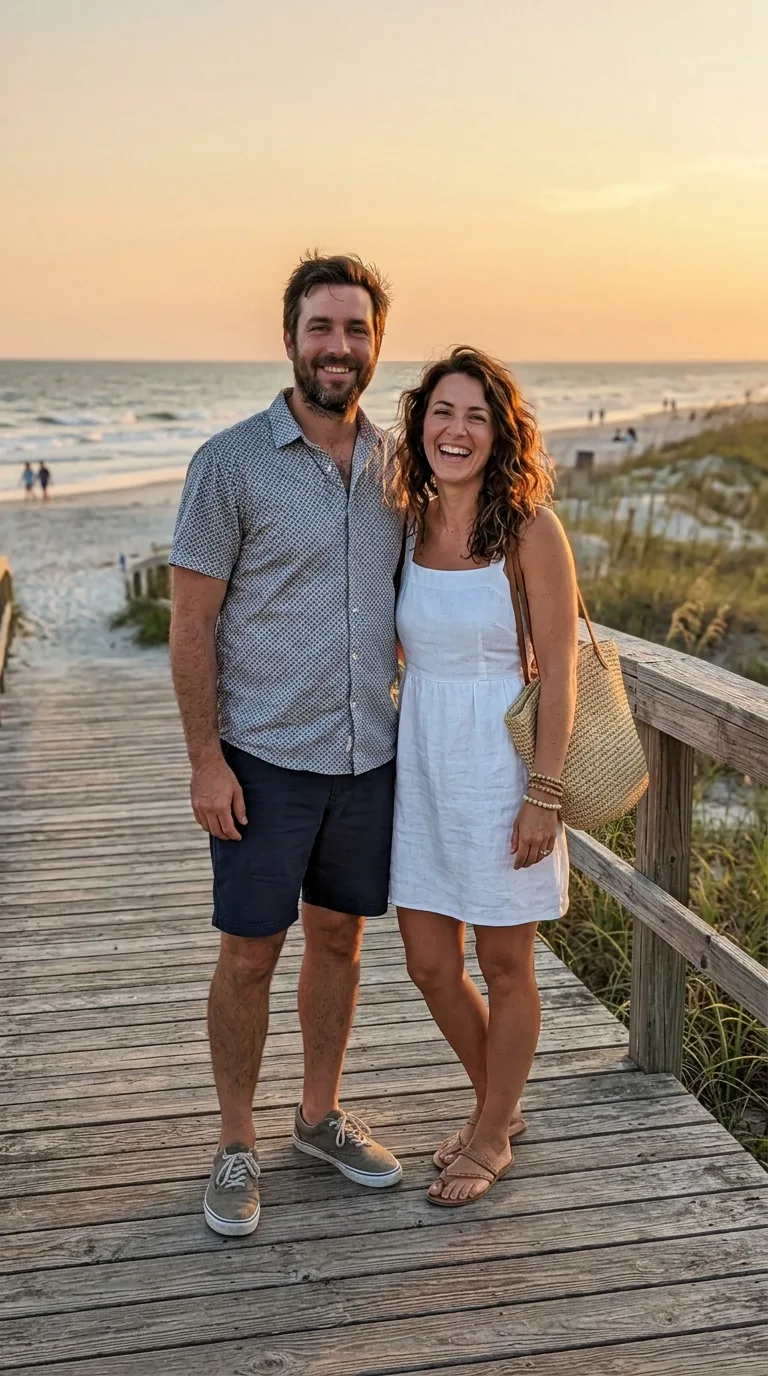 From this photo
Hug AI video examples
Three moments from one render: the same people, the same place, one new moment. Play each with sound.
Made with this effect from an AI-generated photo. Your video uses your own photo.
How to make a Hug AI video
- 1
Add your photo
One photo of two people. Clear faces do the work; the template does the rest.
- 2
Generate
The model brings your photo to life. The people, their clothes and the place stay as they are in the photo; the template adds the moment.
- 3
Download
A 5-second video, in the shape of your photo: use a vertical one for Reels, TikTok and Shorts. It lands in your Airift library; a failed render returns its credits.
What people make a Hug AI video for
A hug across a distance
Two people who live far apart, hugging in a photo they were both in.
An old family photo
Let grandparents or siblings from a posed picture turn to each other.
An anniversary message
Five seconds from a photo where you stood side by side.
Photos that work best
Two people, one photo
Both of you in the same picture, standing or sitting side by side. The effect does not join two separate photos.
Facing the camera
Both faces clear, with no sunglasses, hat or mask in the way.
Good light, upper body
Daylight or a bright room, from the waist up, with a little room around you both to move.
Consent first
Only adults who both agreed to it. No minors, and no one who has not said yes.
What the Hug AI template includes
The hug is already written
The instruction to the model is set and tested: a turn, open arms and a long, warm hug. You only choose the photo.
Your photo stays your photo
The same two people, the same clothes and the same place. Nothing is swapped in from a stock clip.
The shape of your photo
A vertical photo gives a vertical video for Reels, TikTok and Shorts; a wide one stays wide.
A free preview first
A new account gets one free preview picture of the moment, smaller and marked, before anything is paid. The video itself is made with paid credits.
What a Hug AI video costs
One video uses 30 credits. Pay once for a pack. Credits are one wallet for every Airift tool, and a failed render returns its credits.
3 Hug videos
$6
- 100 credits, $2 a video
- Or 3 Kiss videos, 20 photo edits or 11 Kling 2.5 Turbo clips from any photo: one wallet for every Airift tool
- Pay once; credits never expire
- No Airift mark on your videos
6 Hug videos
$12
- 200 credits, $2 a video
- Or 6 Kiss videos, 40 photo edits or 22 Kling 2.5 Turbo clips from any photo: one wallet for every Airift tool
- Pay once; credits never expire
- What is left over waits for the next trend
A bigger pack: $32 for 20 videos, $78 for 50 videos. Posting every week? The Starter plan is $15 a month for 300 credits (10 Hug videos). Secure checkout by Stripe. All plans and packs
Make my Hug videoAI Hug: questions, answered
Is the AI Hug generator free?
No. One video uses 30 credits; 100 credits cost $6 and make 3 videos. A new account gets one free preview photo of you in the scene first, marked and smaller than a paid result. A failed render returns its credits.
What do I get from the AI Hug generator?
A 5-second MP4 in which the two people in your photo turn to each other and hug. It keeps the shape of your photo.
Can I use two separate photos?
Not in this effect. It needs one photo with both people in it, side by side; it does not join two pictures.
Which photos work best?
Two people standing or sitting next to each other, both faces clear, in good light, from the waist up, with a little room around them.
How long does a render take?
Usually two to five minutes. You can leave the page; the video appears in your Airift library when it is done.
Whose photos can I upload?
Only photos of adults who both agreed to it. No minors, no strangers and no public figures who have not said yes. Every video it makes is AI-generated.
Render times, whose photos you may upload and how credits work: the help centre
More trends
All effects →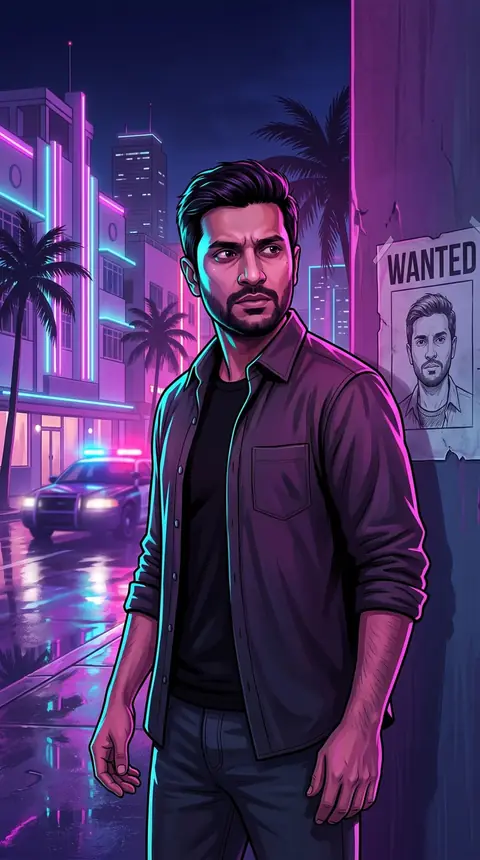 10 crSee the effectGTA Wanted Poster AI PhotoOne photo in. You on the run, with your face on the wanted sheet.
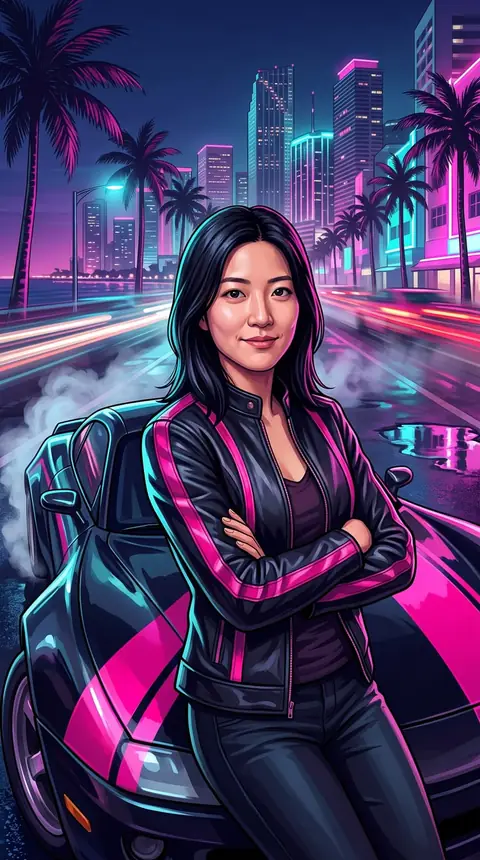 10 crSee the effectGTA Street Racing AI PhotoOne photo in. You and a black sports car on a neon boulevard.
 10 crSee the effectGTA Nightlife AI PhotoOne photo in. You in violet satin at a rooftop pool above the city.
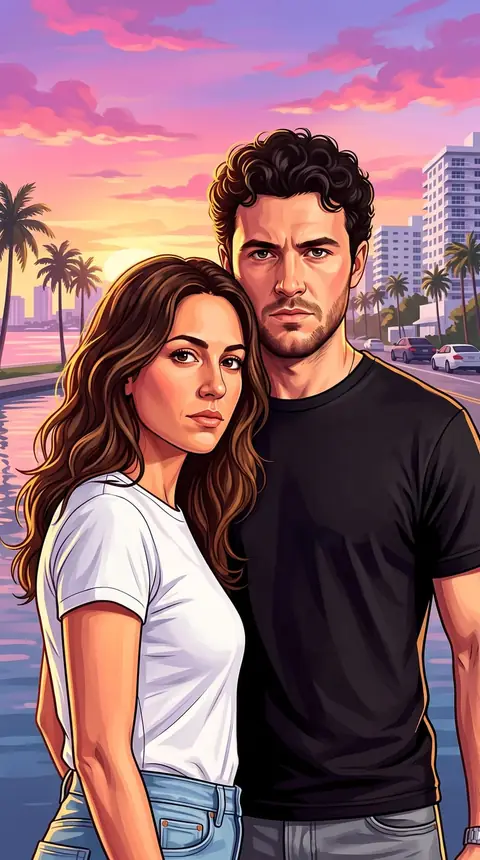 10 crSee the effectGTA Style Couple AI PhotoTwo photos in. The two of you on one cover poster.
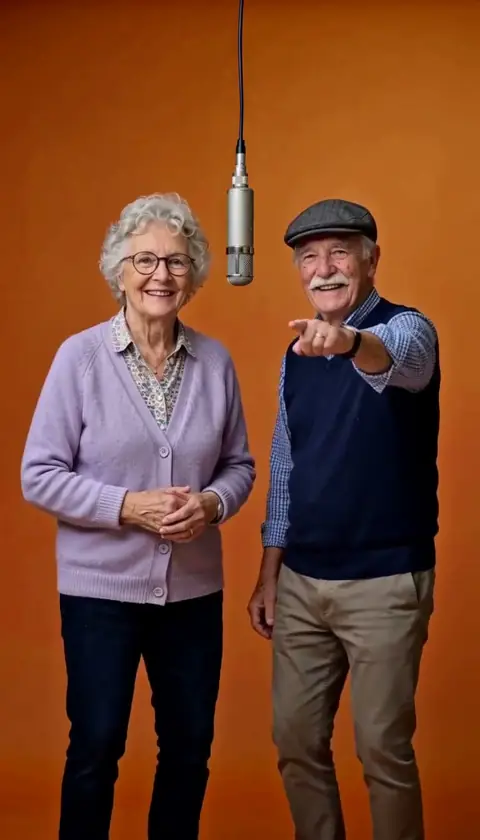 100 crSee the effectHotel Lobby AITwo photos in. Two of you rapping in the orange booth.
 10 crSee the effectGTA Style AI PhotoOne photo in. You as the cover art, on a red classic car.
- GTA Style AI
- Not Like Us AI
- Sheru Bhai AI Photo
- Sheru Bhai AI
- AI Kiss
- Bicep Heart AI
- Bulin 47 AI
- Christmas Elf Dance
- AI Fruit Video
- AI Head Swap
- AI Dog Dance
- AI Fruit Character
- AI Album Cover
- AI Vampire
- AI Muscle
- AI Action Figure
- AI Anime
- AI Outfit
- AI Photoshoot
- AI Saree
- AI Aging
- AI Smile
- AI Mermaid
- AI Dance
- AI Age Progression
- AI Hairstyles
- AI Headshot
- Goth AI Photo
- Restored AI Photo
- Comic Book AI Photo
- Fursona AI Photo
Your turn in the AI hug video.
One photo and a few minutes. No prompt to write.