Crane up
Rise from the pavement to a view over the whole street. The move, the engine and the look are set: add your photo and press Create.
Free account, no card · result in your library · AI output labelled
Examples · Use template fills the desk
Crane up: the move and the photos it suits
- What a crane up is
- A crane shot raises the camera straight up from ground level to a high view. It is the classic way to open or close a scene: start among the people, finish above the street.
- Photos that suit it
- A street-level photo with tall things rising out of the top of the frame: buildings, trees, a bridge.
- Photos that do not
- A photo taken from high up already: there is nowhere to rise to. A low ceiling indoors.
- What to write
- Describe what carries on below, such as “people and traffic keep moving”, so the street is alive once the camera is above it.
Why Airift for crane up
Camera: Crane up
Rise from eye level to a high view (AI engines)
Best for: City
It starts with “the street carries on below, people and traffic moving”; change the words to fit your photo.
Engine: Kling 3.0 Pro
Kling 3.0 Pro: cinematic camera language and faces that hold, at 1080p.
From 23 credits
Per clip; the exact figure is on the button. Failed jobs are refunded.
The move on a sample photo
Made in Airift on Kling 3.0 Pro from the sample photo, with the preset as it stands.
Or pick another engine
Each engine has a different look, speed and price. The exact credit cost is on the button before you generate, and failures are refunded.
Seedance 1.0 Pro Fast
ByteDance · About 1 minute
Best valueQuick, steady AI camera moves with real depth at the lowest AI price.
from 5 cr / 5 s · Try →
Airift Motion
Airift · About 10 seconds
FreeA smooth virtual camera move across your photo. Nothing in the picture changes.
Free · Try →
Seedance 2.5
ByteDance · 2–4 minutes
NewestByteDance's newest Seedance, hosted in the US: the most detailed motion in the family.
from 119 cr / 5 s · Try →
How it works
- 1
Add your photo
A photo of this kind works best; any photo works.
- 2
Keep the engine or change it
The move is set for this effect; switch the engine before you create if you want another look.
- 3
Create and download
The clip lands in your library in every shape your channels want.
What a crane up clip costs
A crane up clip on Kling 3.0 Pro costs from 23 credits; the button shows the exact figure for the length and size you pick. A 200-credit pack costs $12 and makes up to 8 of them; a failed job returns its credits.
FAQs
Which photo works best for a crane up?
A street-level photo with tall things rising out of the top of the frame: buildings, trees, a bridge. Less suited: a photo taken from high up already: there is nowhere to rise to. A low ceiling indoors.
What does a crane up clip cost?
A crane up clip on Kling 3.0 Pro costs from 23 credits; the button shows the exact figure for the length and size you pick. A 200-credit pack costs $12 and makes up to 8 of them; a failed job returns its credits.
Is it free?
Yes, to start. A new account gets 20 credits with no card: 4 clips of 5 seconds from a photo on Seedance 1.0 Pro Fast. The first is ready to run the moment you sign up; the rest arrive when you confirm your email. Free clips are 720p with a small Airift mark. Airift Motion, a camera move over the still, is free and unlimited.
Can I use the clips commercially?
Yes on paid plans, subject to the terms and each engine's usage policy.
What if I am not satisfied?
A failed job is refunded automatically. A finished clip you dislike can be regenerated with another move or engine.
More camera moves
All effects →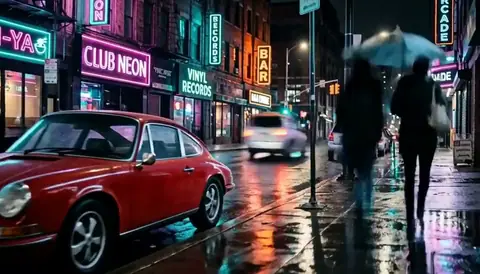 26 crMake thisCity hyperlapseGlide down the street while the night rushes past.
 28 crMake thisBullet timeFreeze the moment and sweep the camera round it.
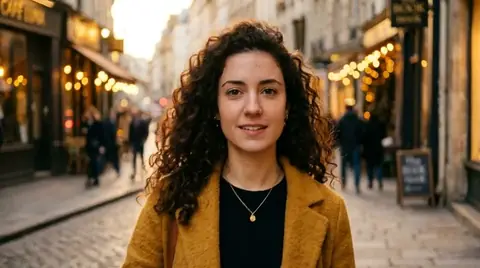 34 crMake thisCrash zoomA sudden zoom from the wide frame to the eyes: the shot that opens a reel.
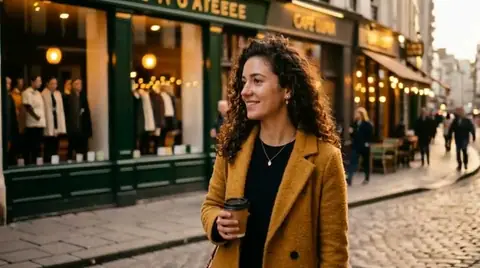 28 crMake thisPortrait arcA slow arc around a person while the background slides behind them.
 26 crMake thisDolly zoomThe Hitchcock move: the background stretches away while the face holds still.
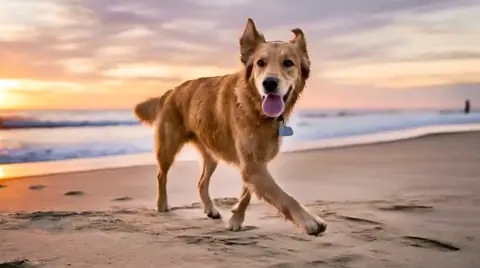 12 crMake thisHandheld followRun beside a pet or a child with the camera on your shoulder.