Seedream AI Image Generator and Editor: ByteDance's image models in one desk
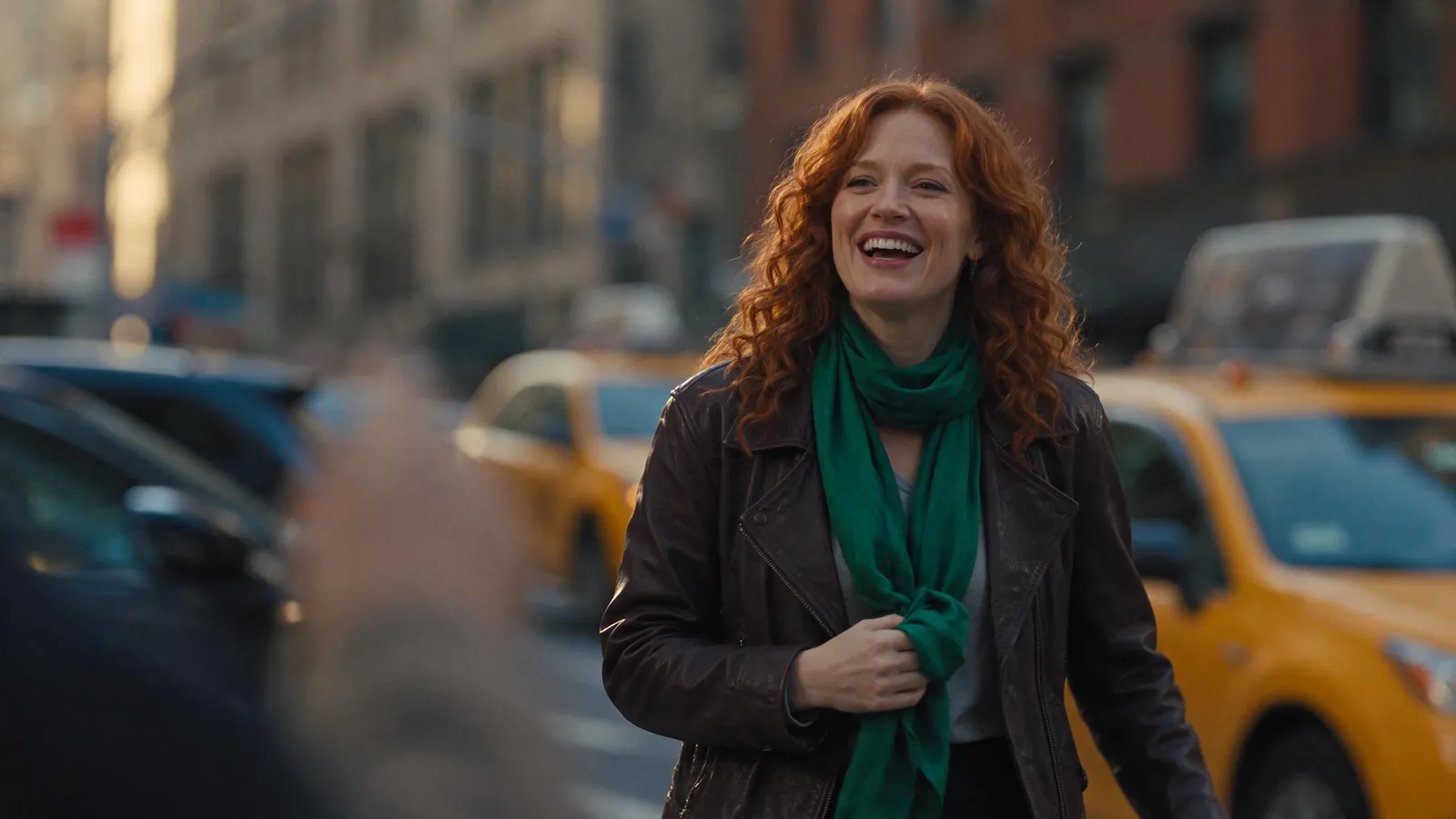
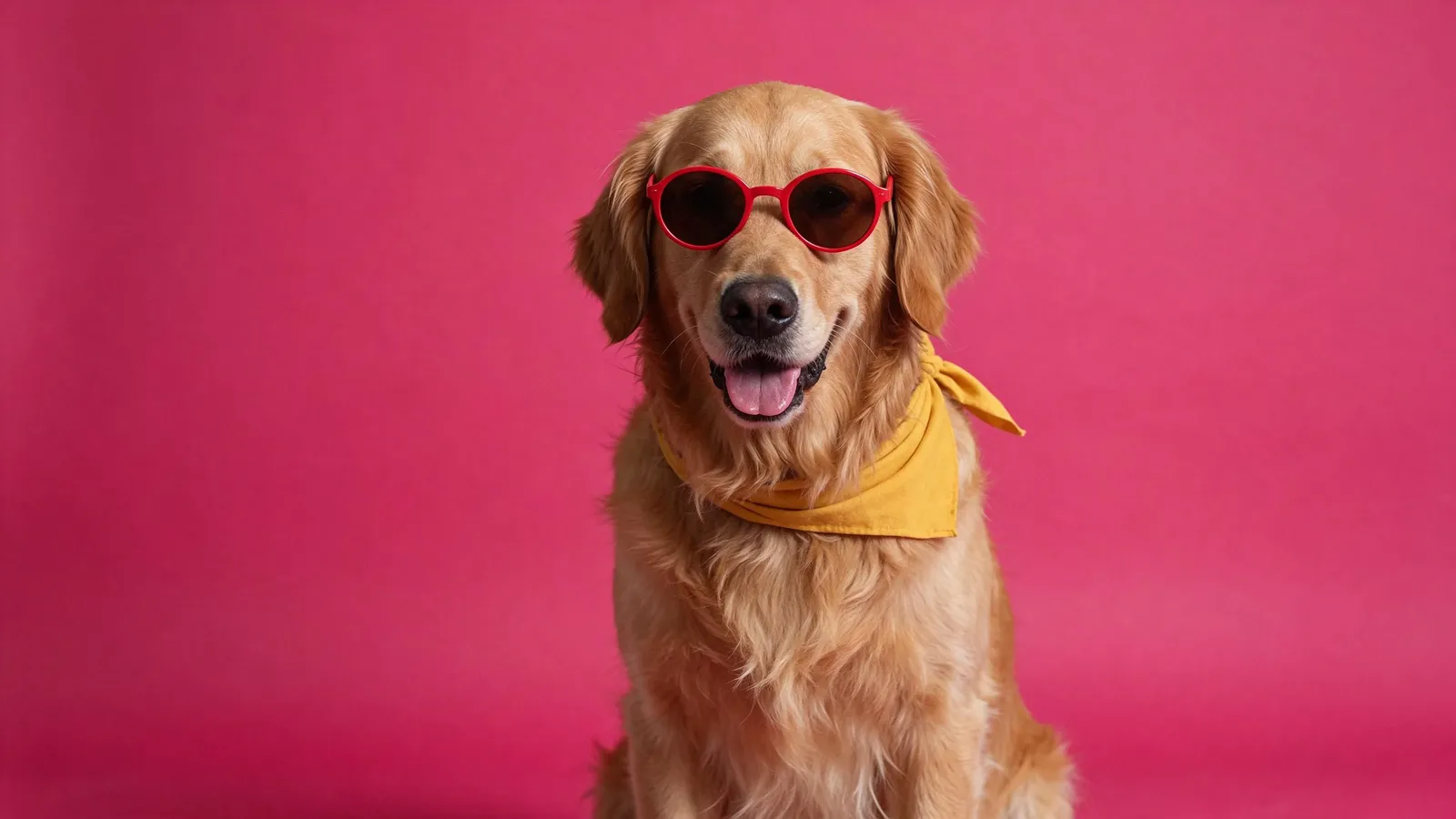
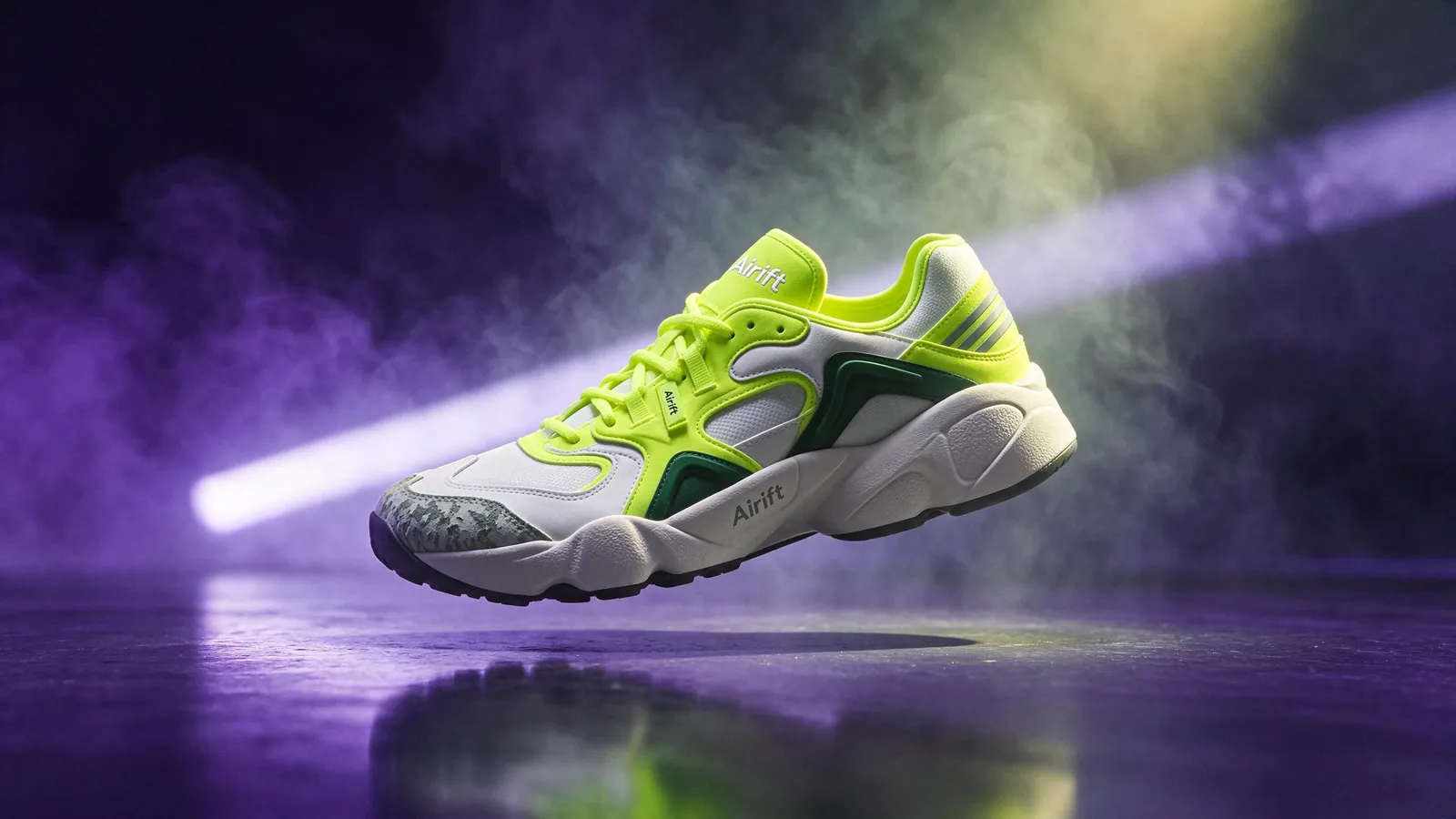
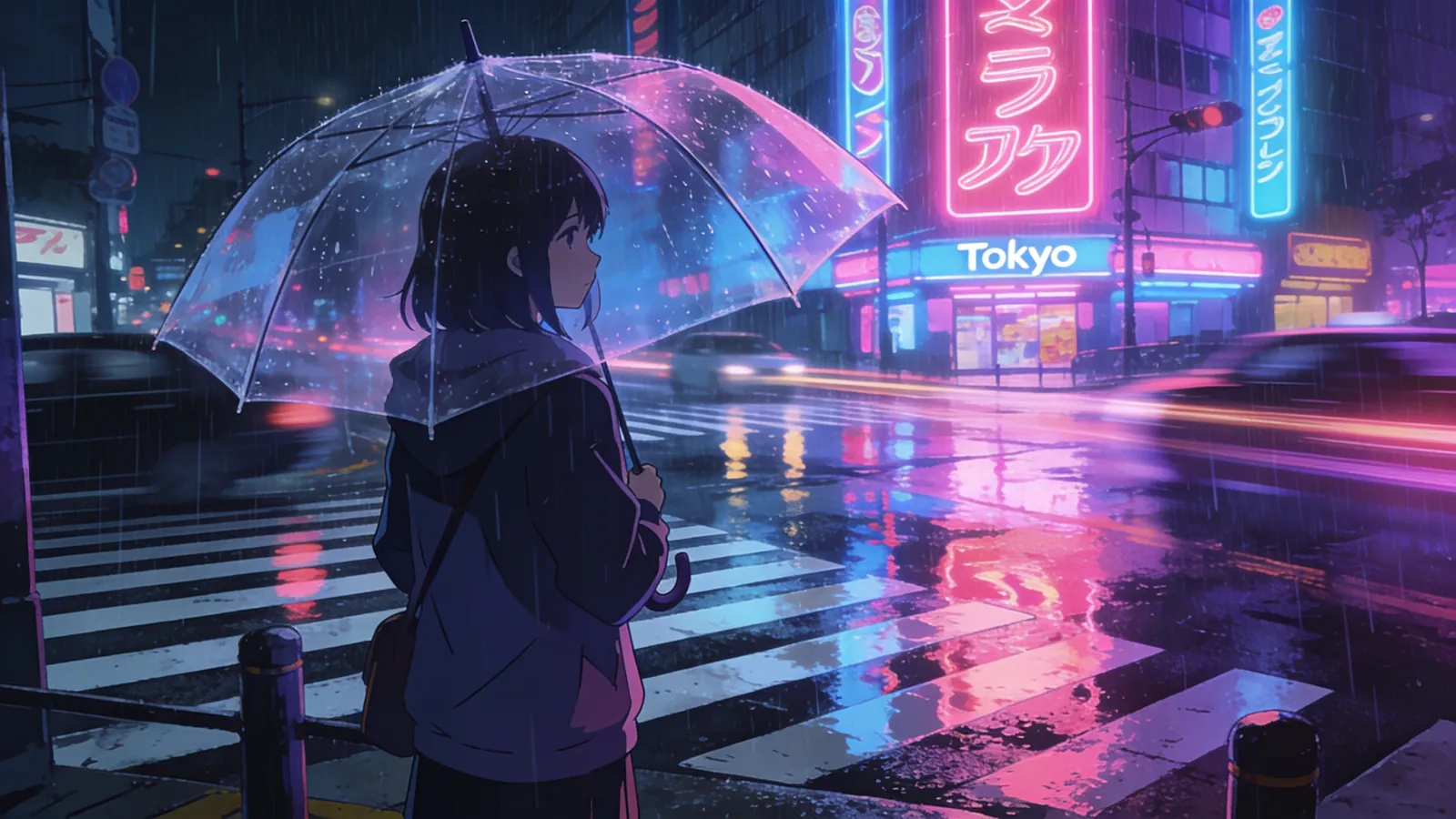
Seedream is ByteDance's family of image models. Airift runs Seedream 5.5, the newest, and Seedream 4.5, which goes up to 4K: both edit a photo from an instruction and make a picture from a sentence. Start free, no card: 20 credits make 10 images. Then $12 buys 100 more, or anything else on Airift. No subscription. The exact price is on the button.
Free, no card: 20 credits make 20 images like this · AI output labelled
Examples · Use template fills the desk
Made with Seedream AI in Airift
Real output from the engine, labelled, from a sample photo or prompt.
Key features of Seedream AI
Edit a photo by describing the change
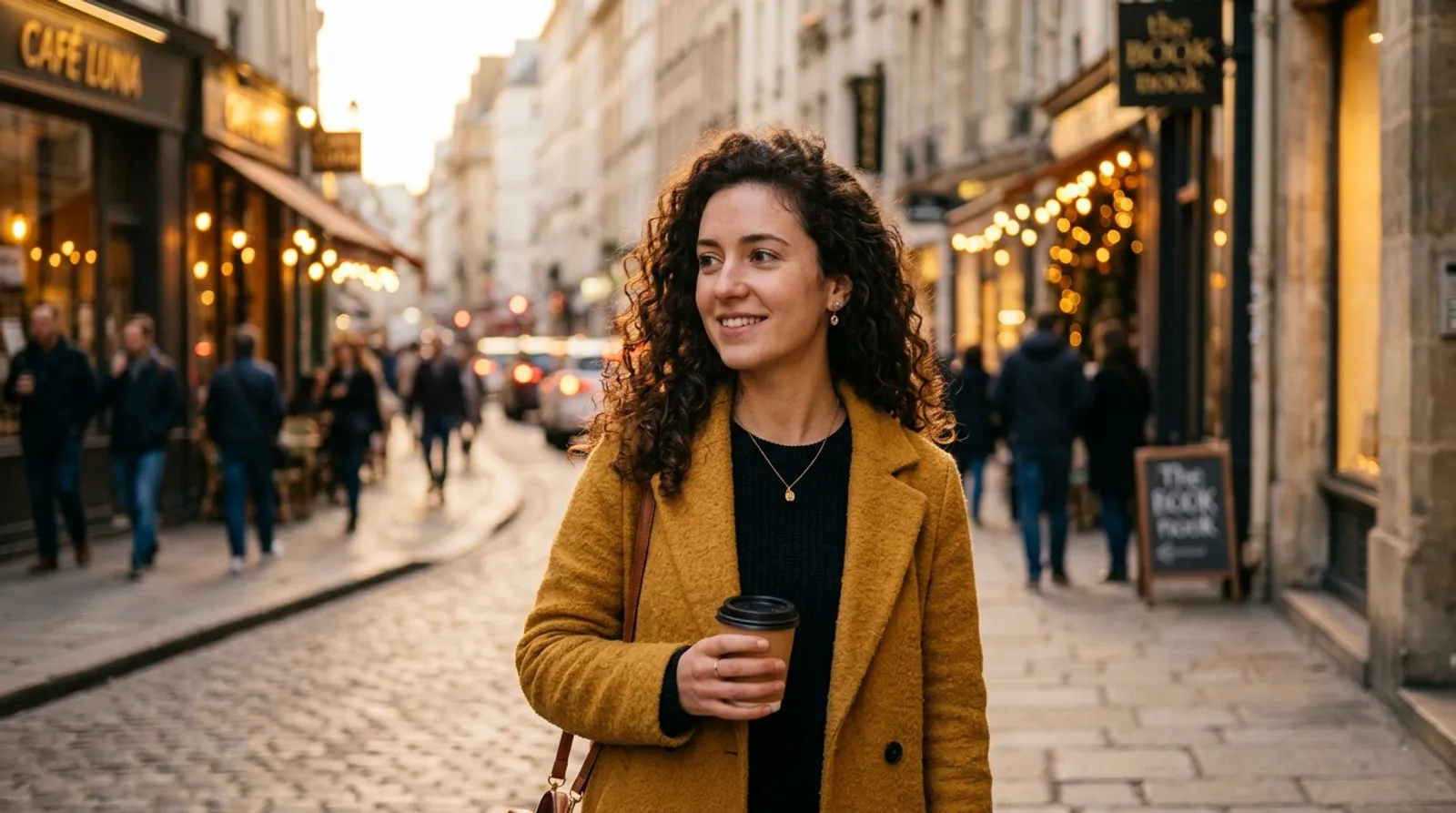
Upload a photo and say what should be different. Seedream changes that and leaves the rest alone: here a mustard coat becomes a red leather jacket, while the face, the paper cup and the Paris street behind stay as they were shot.
Typed with the photo“Change the mustard coat to a red leather jacket”
Try it in the Photo Editor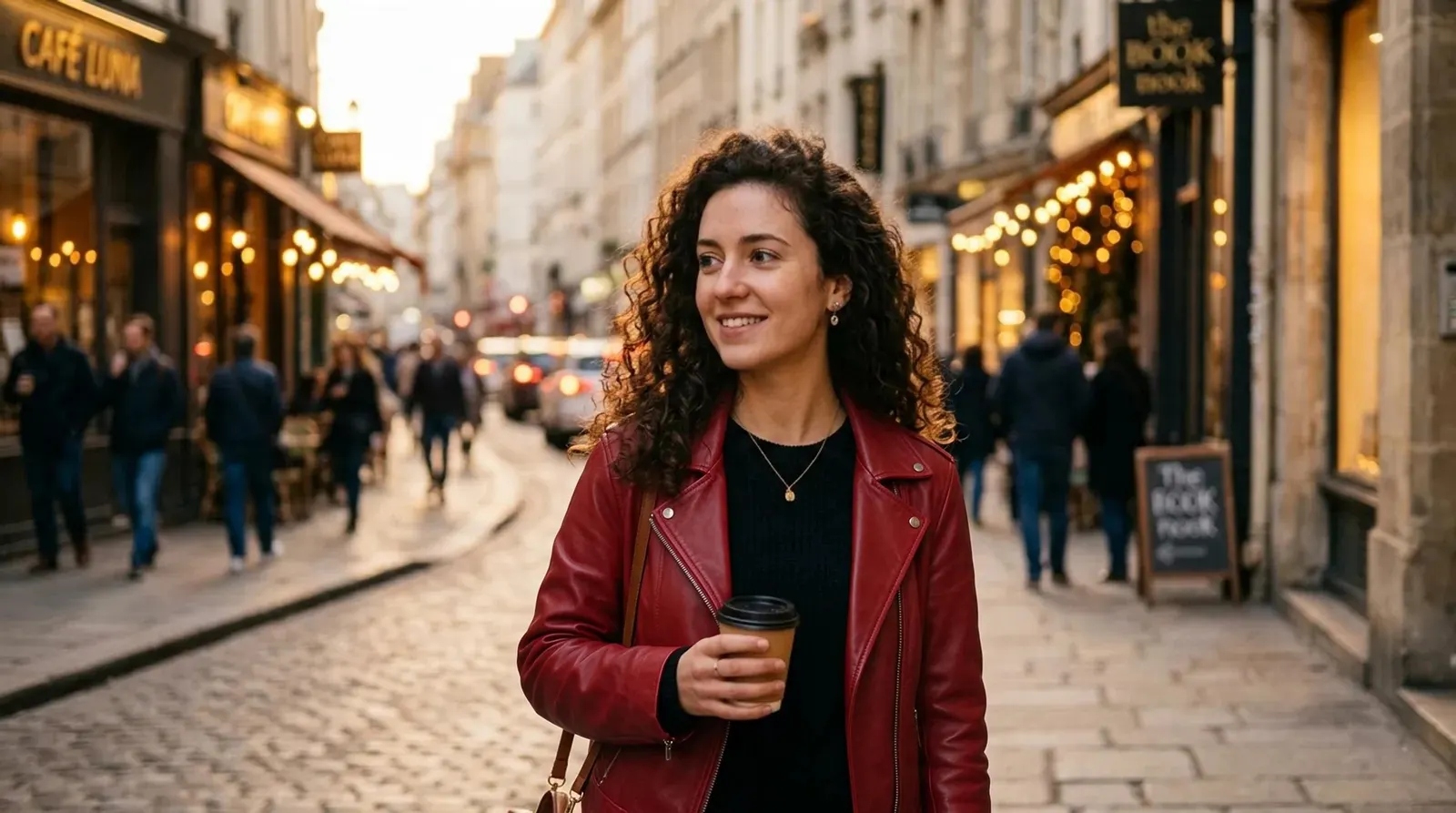
Set a headline over your own photo
Write the exact words and where they go. Seedream 5.5 sets them in the picture and keeps the photo underneath, so a holiday shot becomes a poster or an advert in one step. Both lines here read as they were typed.
Typed with the photo“Add the headline ALPINE AIR in large white serif capitals across the sky at the top, and the smaller line Lake cabins open from June in white beneath it”
Try it in the Photo Editor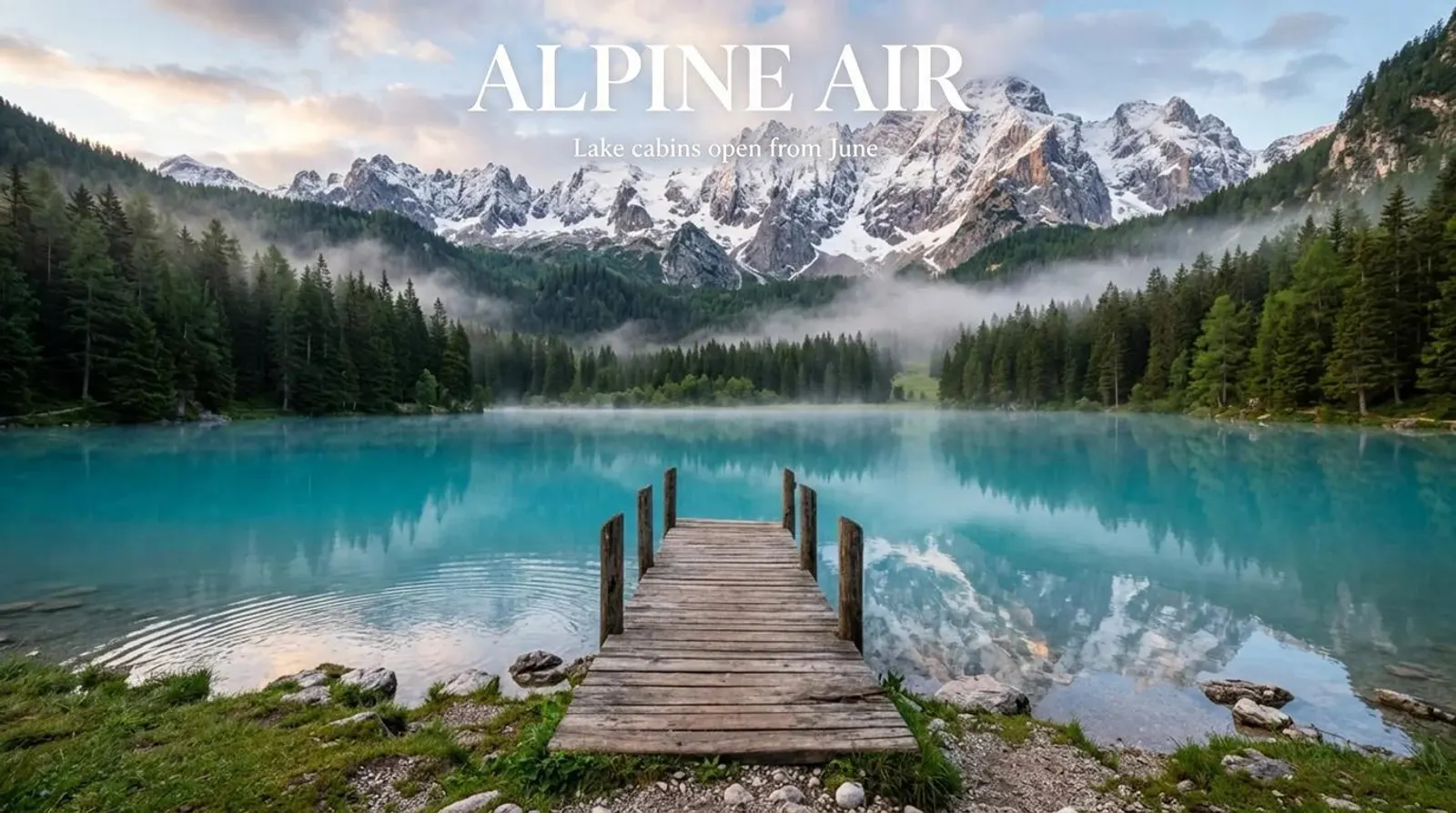
Redraw a photo in another style
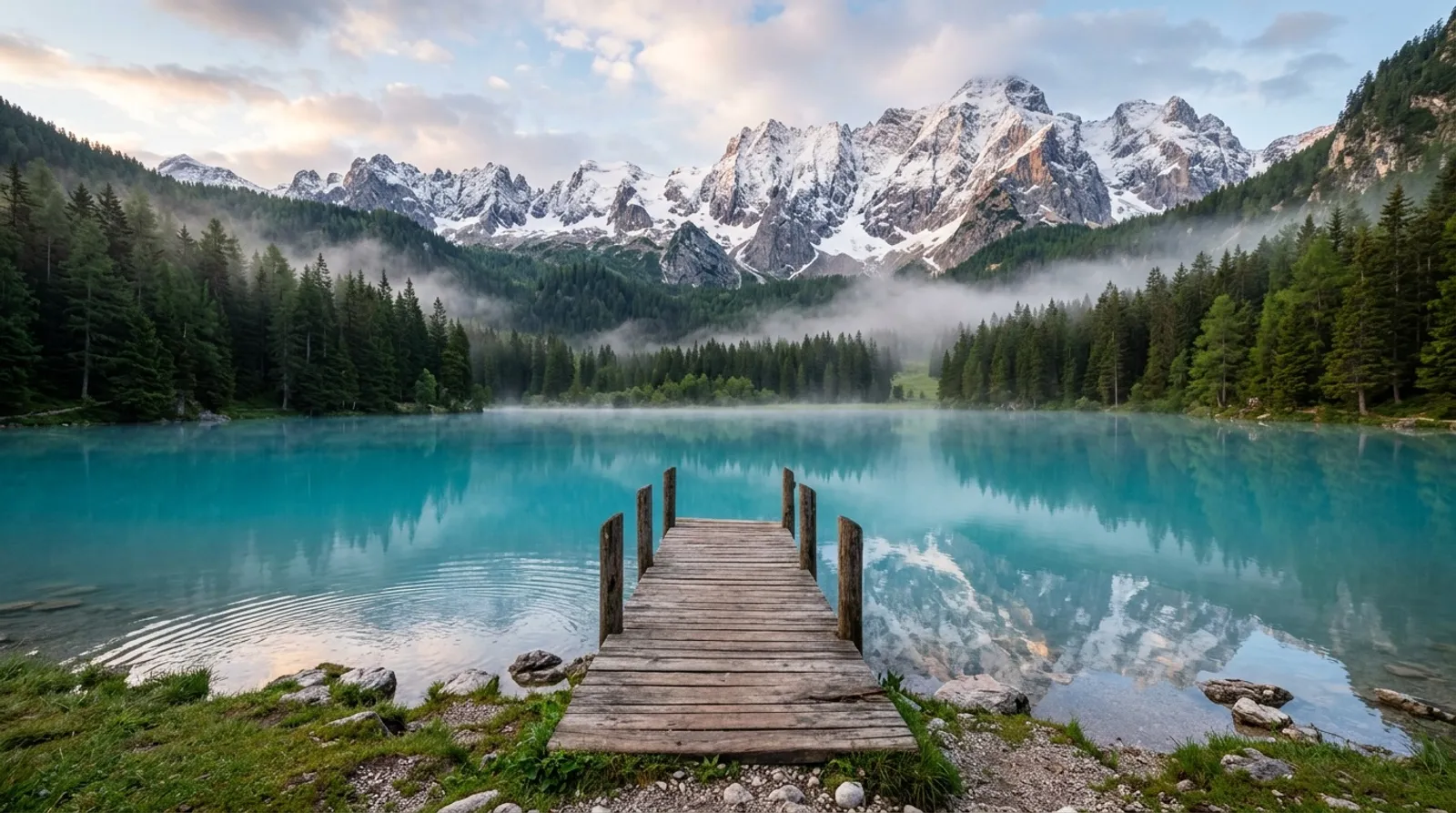
Pick a style and Seedream redraws the whole photo in it, keeping the composition. This alpine lake became an anime film still on Seedream 4.5, the version to choose for a vivid, stylised look or a 4K file.
Try it in the Photo Filter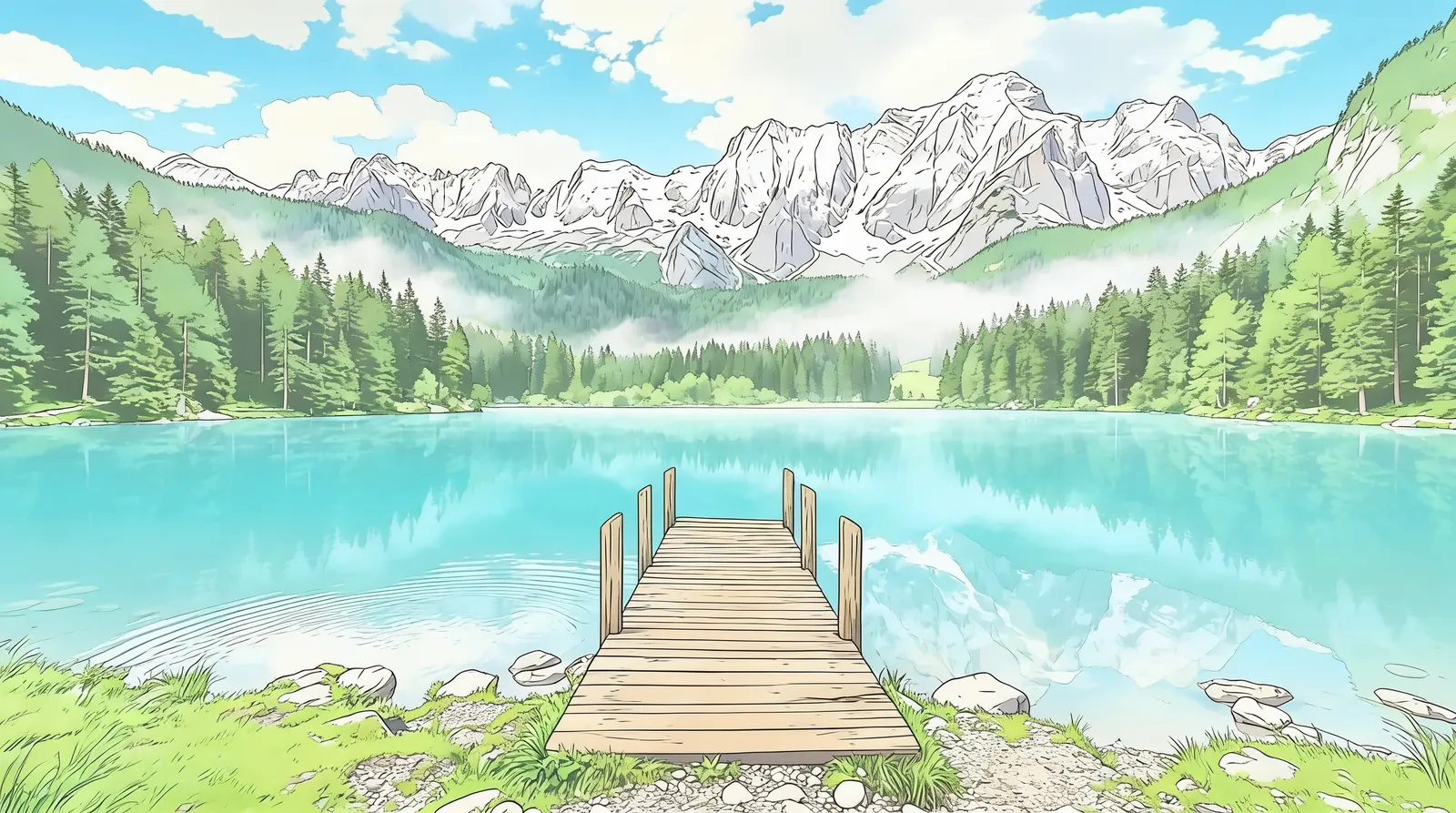
Make a picture from a sentence
No photo needed: describe the subject, the layout and the words. This café advert, headline and opening hours included, came from one prompt on Seedream 5.5; the anime still at the top of this page came from Seedream 4.5 the same way.
Typed“A cafe advertisement. An iced matcha latte in a tall glass with swirling milk on a pale green background with soft shadows, on the right. On the left, the headline MATCHA DAYS in large dark green serif capitals, beneath …”
Try it in Text to Image
Why Seedream AI in Airift
2 versions, one desk
Seedream 5.5 and Seedream 4.5 sit in the same model picker, so one photo or sentence can go through each.
From 1 credit
Seedream 5.5: an edit from 2 credits, a picture from a sentence from 1 credit; Seedream 4.5: an edit from 2 credits, a picture from a sentence from 2 credits. Failed jobs are refunded.
Edit, then edit again
Every result lands in your library and can be the photo for the next instruction.
Labelled, private
Every result names the version that made it and stays in your own library.
Seedream 5.5 vs Seedream 4.5
Figures are what each model does and costs in Airift today.
| Seedream 5.5 | Seedream 4.5 | |
|---|---|---|
| Best for | ByteDance's newest image model: it changes what you ask for and leaves the rest of the picture as it was. | Fast, inexpensive edits with vivid, magazine-style styling. |
| Works from | a photo or a sentence | a photo or a sentence |
| Sizes | 1K, 2K | 2K, 4K |
| Price | 2 credits per image | 2 credits per image |
| On the free credits | 10 images | 10 images |
| Typical time | Under a minute | Under a minute |
How to use Seedream AI online
- 1
Add a photo, or write a sentence
The desk above is pinned to Seedream AI: with a photo it edits, with a sentence alone it makes a new picture.
- 2
Pick the version
Seedream 5.5 and Seedream 4.5 are in the model picker. The credit price on the button updates as you change the settings.
- 3
Generate
The result lands in your library, labelled with the version that made it.
What Seedream 5.5 costs in Airift
Start free, no card: 20 credits make 10 images. Then $12 buys 100 more, or anything else on Airift. No subscription. Credits are one wallet for every Airift tool, and a failed job returns its credits.
Your first 10 images
Free
- 20 credits when you confirm your email
- 2 credits per image; the rest stay for any tool
- A small Airift mark on the result
- No card
More with Seedream 5.5
$12
- 100 images (200 credits), $0.12 per image
- Or 6 Hug videos, 40 photo edits or 22 Kling 2.5 Turbo clips from any photo: one wallet for every Airift tool
- Pay once; credits never expire
- No Airift mark on what you make after buying
Every setting, in credits
- photo · One edited photo (1K)
- 2 credits
- photo · One edited photo (2K)
- 2 credits
- text · One picture (1K)
- 1 credit
- text · One picture (2K)
- 2 credits
Bigger packs: $32 for 300 images, $78 for 750 images. Secure checkout by Stripe. All plans and packs
FAQs
What is Seedream AI?
Seedream is the family of image models made by ByteDance, the company behind Doubao and Dreamina. Each version edits a photo from a written instruction and makes a picture from a sentence. Airift runs two versions through its own desk: Seedream 5.5 and Seedream 4.5.
Is this ByteDance's own Seedream site?
No. Airift is an independent service that runs Seedream models through API providers, beside models from Google, OpenAI and others. ByteDance offers Seedream in its own products, such as Dreamina and Doubao.
Which Seedream version should I use?
Seedream 5.5 when the picture must stay the same apart from your change, when you will edit it again, or when it carries words. Seedream 4.5 when you want a vivid restyle or a 4K file.
How much does Seedream AI cost in Airift?
Seedream 5.5: an edit from 2 credits, a picture from a sentence from 1 credit; Seedream 4.5: an edit from 2 credits, a picture from a sentence from 2 credits. The exact price is on the button before you generate, and failed jobs are refunded automatically.
Can I try Seedream AI free?
Yes. Start free, no card: 20 credits make 10 images. Then $12 buys 100 more, or anything else on Airift. No subscription. The free result carries a small Airift mark; what you make after buying a pack does not.
Will the rest of the photo change?
Engines are instructed to change only what you asked for. Review each result; if something else moved, regenerate or try another engine.
Do I need to label edits?
Airift labels every edited picture in your library. Label it as AI-edited where you publish it too, wherever the platform or your market asks for that.
Seedream AI models in Airift
Seedream AI compared
Tools that run Seedream AI
AI Photo Editor
Change a photo with one sentence and keep the rest.
OpenAI Background Changer
Put the subject of a photo somewhere new.
OpenAI Object Remover
Take a person or a thing out of a photo.
OpenAI Photo Filter
Redraw a photo as anime, watercolor or a 3D cartoon.
OpenText to Image
A picture from a description, in the shape your channel wants.
OpenDiscover more image engines
Kling Image 4.0
Kuaishou · Image edit · Text to image
NewKling's image model: edits a photo from an instruction, at 2K or 4K.
From 3 cr · Under a minute · Try →
Nano Banana Pro
Google · Image edit · Text to image
NewGoogle's Pro editor: the most faithful edits, text and fine detail intact, up to 4K.
From 6 cr · Under a minute · Try →
Nano Banana 2.1
Google · Image edit · Text to image
NewGoogle's newest everyday editor: quick, inexpensive, keeps the picture as it is.
From 2 cr · Under a minute · Try →
Nano Banana 2
Google · Image edit · Text to image
Gemini's image editor: keeps shapes, lines and perspective most consistently.
From 4 cr · Under a minute · Try →
Nano Banana Lite
Google · Image edit · Text to image
NewGoogle's efficiency editor: a small change back in about ten seconds, at 1K.
From 2 cr · About 10 seconds · Try →
Nano Banana 1
Google · Image edit · Text to image
The first Nano Banana, Gemini 2.5 Flash Image: the editor that started the name, at 1K.
From 2 cr · Under a minute · Try →
GPT Image 2
OpenAI · Image edit · Text to image
NewOpenAI's image model: strong instruction following for restyling.
From 9 cr · About a minute · Try →
Seedream 4.5
ByteDance · Image edit · Text to image
Fast, inexpensive edits with vivid, magazine-style styling.
From 2 cr · Under a minute · Try →